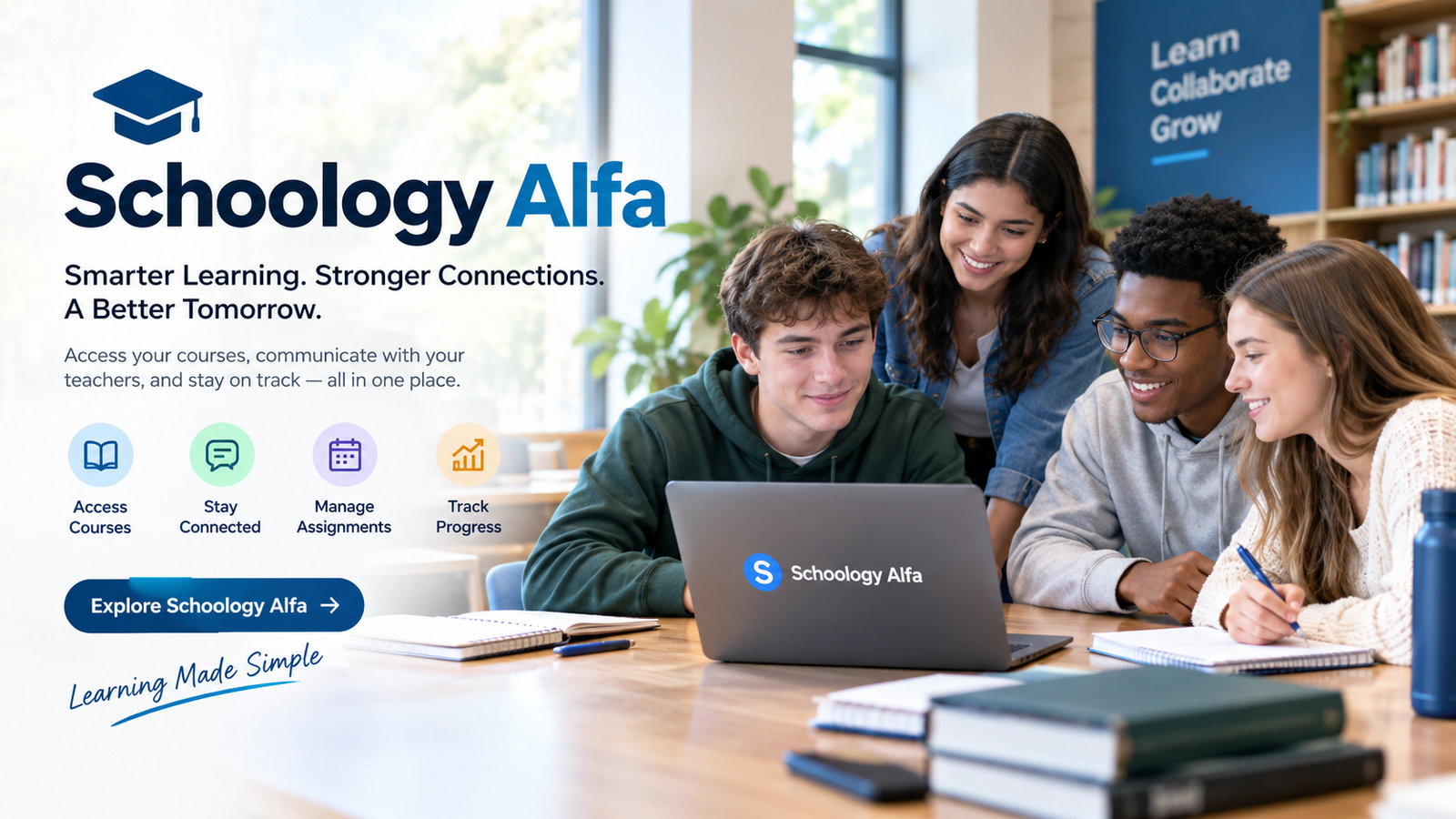
“schoology alfa” is a search term associated with the use of the Schoology learning-management platform in the Alfa Fundación educational environment. The term can be confusing because it is sometimes described online as though it were a separate software product. Available evidence indicates that the underlying system is Schoology Learning, while “Alfa” identifies the educational organization or institution-specific environment using the platform.
Alfa Fundación is an educational initiative based in Monterrey, Nuevo León, Mexico. Its stated mission is to promote social mobility by identifying talented students and providing them with rigorous educational opportunities. Its programs include extracurricular centers and a high-school program, making a centralized digital learning environment useful for organizing coursework, communication, assignments, and academic information.
Quick Information About schoology alfa
| Detail | Information |
|---|---|
| Main term | schoology alfa |
| Underlying platform | Schoology Learning |
| Platform type | Learning Management System (LMS) |
| Associated organization | Alfa Fundación |
| Educational location | Monterrey, Nuevo León, Mexico |
| Main users | Students, teachers, administrators and potentially families |
| Main purpose | Digital course and learning management |
| Common activities | Assignments, materials, assessments, grades, communication |
| Access | Institution-authorized Schoology environment |
| Authentication | Institution-specific; current Alfa portal redirects to Microsoft authentication |
| Organization focus | Education and social mobility |
| Educational levels | Secondary, high school and continuing university pathway |
| Separate “Alfa” LMS? | No strong evidence of a separate standalone LMS |
| Current status | Active Schoology-based educational environment |
The exact tools available to an individual user depend on how the institution configures its Schoology environment. Schoology itself provides administrators with controls for enabling or disabling optional features, so not every account necessarily has identical functionality.
What Is schoology alfa?
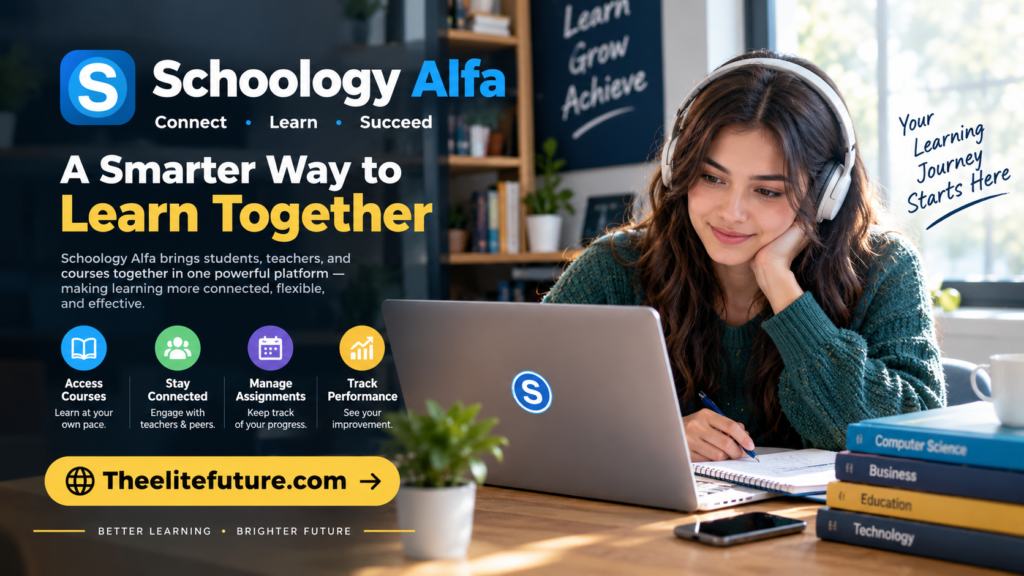
The simplest way to understand schoology alfa is as an institution-specific Schoology environment associated with Alfa Fundación.
Schoology is a learning management system designed to bring different parts of digital education together. Instead of students having to search through separate websites for assignments, course resources, grades, announcements, and other academic information, an LMS can organize these activities within a centralized environment.
The word “Alfa” does not appear to represent a separate LMS released by the underlying technology provider. Recent references consistently describe the term as a Schoology environment connected with Alfa Fundación.
This distinction matters because online searches can produce descriptions suggesting that Schoology Alfa is a completely new or upgraded version of Schoology. There is no strong evidence supporting that interpretation.
Instead, the more accurate description is:
Schoology is the learning platform, while Alfa identifies the educational environment or institution using it.
What Is Alfa Fundación?
Understanding Alfa Fundación helps explain why the schoology alfa keyword exists.
Alfa Fundación is an educational project focused on promoting social mobility through the development of talented young people. Its stated objective is to identify students with high intellectual potential from communities in the Monterrey metropolitan area and provide them with educational opportunities.
The foundation describes a long-term educational model that accompanies students across multiple educational stages. Its programs include extracurricular education during secondary school and a three-year high-school program.
The organization currently describes extracurricular centers in municipalities including Monterrey, San Nicolás and Escobedo. It also operates a high-school program.
This type of educational structure creates a need for organized digital tools. Students may have multiple courses, assignments, academic resources, announcements, assessments and interactions with teachers. A learning management system can bring those activities into one environment.
How Schoology Works in the Alfa Environment
Schoology is designed around courses. A teacher or institution can create a digital course space containing instructional materials and activities.
Depending on the configuration, students may encounter:
- Course pages
- Folders and learning materials
- Assignments
- Quizzes and assessments
- Discussions
- Announcements
- Grades
- Teacher feedback
- Calendars
- Notifications
- Digital resources
- Communication tools
The underlying platform also supports administrative controls that allow schools or districts to determine which features are available to their users.
Therefore, it is important not to assume that every feature described for Schoology globally will necessarily appear inside every Alfa account.
Course Materials
Course materials are one of the most important parts of an LMS.
Teachers can organize information into folders, pages, files, assignments and other resources. This allows students to find educational content without depending entirely on printed documents or separate messaging services.
For a student, the course area can effectively function as a digital classroom where the teacher’s resources are organized by subject or topic.
Assignments
Assignments allow teachers to distribute academic work digitally.
Depending on the configuration, students can see instructions, attached resources, due dates and submission options. Teachers can then review submitted work and provide grades or feedback.
Current platform documentation describes assignments as a central workflow for creating, distributing and grading student work.
Assessments and Quizzes
Schoology also supports assessments.
Teachers can create quizzes or tests and use different question types. Assessment tools can help educators measure student understanding and identify areas that may require additional attention.
The exact assessment functions available to Alfa users depend on the institution’s configuration and permissions.
Schoology Alfa Grades and Gradebook
Grades are another important component of Schoology.
The platform provides a gradebook where teachers can organize scores and communicate academic performance. Teachers can configure grading categories, weights and scales depending on institutional requirements.
Students may therefore use the platform to monitor their progress across individual courses.
However, an important distinction exists between a Schoology gradebook and an institution’s official student information system.
Some educational organizations use Schoology as their main gradebook, while others transfer information between Schoology and a separate student information system. Current guidance recommends checking with the institution to determine which system represents the official final grade.
Communication Between Students and Teachers
Digital communication is another important part of the Schoology environment.
Teachers can use course updates to communicate information to an entire class. Depending on permissions and configuration, they can also communicate directly with students or parents.
This can be useful for:
- Homework reminders
- Assignment announcements
- Class updates
- Questions
- Feedback
- Schedule information
- General academic communication
Schoology’s teacher resources specifically describe messaging students and parents as part of its communication capabilities.
For students, this means checking announcements and messages can be just as important as checking assignments.
Calendar and Academic Organization
Students often have multiple deadlines at the same time. A digital calendar can make these responsibilities easier to organize.
Schoology’s family guidance explains that upcoming and overdue work can be displayed within the course environment, while the calendar can provide an overview of coursework across courses.
A student using an Alfa Schoology environment can therefore benefit from regularly checking:
- Upcoming assignments
- Overdue work
- Course announcements
- Assessment dates
- Teacher messages
- Updated learning materials
Keeping these areas organized can reduce the chance of missing deadlines.
Schoology Alfa Login and Access
One of the most common reasons people search for schoology alfa is to find the correct login.
The important point is that access is institution-specific. Users should not assume that a random website providing a Schoology login is an official Alfa access point.
The Alfa-associated Schoology environment has been identified as an institution-specific Schoology domain. When the current Alfa Schoology address was checked, it redirected to a Microsoft authentication flow rather than displaying a conventional standalone login page.
This indicates that authentication is integrated with an external identity system.
What Students Should Do if Login Does Not Work
If a student cannot access the account, the safest approach is to:
- Use the login information provided by the institution.
- Confirm that the correct school account is being used.
- Check whether Microsoft authentication is required.
- Verify that the password has not expired.
- Contact the institution if the account has been disabled.
- Avoid entering credentials into unofficial websites.
A search result containing the words “Schoology Alfa” does not automatically mean that the page belongs to Alfa Fundación.
Schoology Alfa for Teachers
Teachers can use Schoology to organize their digital classrooms.
Common functions include:
Course Management
Teachers can create and organize courses, folders and learning resources.
Assignment Management
Academic work can be distributed digitally, with instructions and deadlines.
Gradebook Management
Teachers can configure grading categories and scales and monitor student performance.
Communication
Teachers can post course updates and communicate with students and, where enabled, parents or guardians.
Assessments
Quizzes and tests can be created and delivered through the platform.
Reusable Resources
Schoology provides tools for organizing resources that can potentially be reused across courses, depending on institutional permissions.
These functions can reduce administrative repetition and make digital course organization more consistent.
Schoology Alfa for Parents and Families
Family involvement is another part of the wider Schoology ecosystem.
Parents may be given access that allows them to view a student’s academic activity, assignments and grades. Schoology’s parent resources explain that parents can view student activity and grades and communicate with teachers or staff where those features are enabled.
Parent access does not necessarily mean parents can perform the same actions as students.
For example, current guidance explains that Parent View can allow parents to see course content and class activity, while they cannot create or submit academic work on behalf of the student.
The exact parent functionality available through an Alfa account depends on the institution’s setup.
Features That May Be Available
The broader Schoology platform supports a substantial range of educational functions.
These may include:
- Course management
- Assignments
- Assessments
- Gradebook
- Discussions
- Course materials
- Calendars
- Notifications
- Messaging
- Parent access
- Mobile access
- Learning resources
- Reports
- Integrations
- Single sign-on
- Administrative controls
- Collaboration tools
PowerSchool documentation also describes optional functions such as QR-code login, course themes, Microsoft Immersive Reader and student-resource access. These are configurable features, meaning their presence should not automatically be assumed in every Schoology installation.
The Role of Microsoft Authentication
The current Alfa Schoology access point provides an interesting detail about how users may authenticate.
Rather than requiring a completely independent Schoology username-and-password workflow, the observed Alfa Schoology domain redirected toward Microsoft’s authentication infrastructure.
This is consistent with the broader use of single sign-on in educational technology.
Single sign-on can allow an institution to connect its learning platform with an identity-management system. This can simplify account management while allowing schools to maintain control over who is authorized to access educational resources.
However, authentication arrangements can change, so users should follow the latest instructions supplied by their institution.
Why Schoology Alfa Can Be Confusing
Several factors contribute to confusion around this keyword.
First, “Schoology Alfa” sounds like the name of a standalone application.
Second, online articles sometimes describe it as an upgraded or special version of Schoology without strong evidence.
Third, different institutions can configure Schoology differently.
Finally, login pages can use customized domains and external authentication systems, making it difficult for a new user to determine which page is legitimate.
The most accurate approach is therefore to separate the Schoology platform from the Alfa educational environment.
Security and Privacy Considerations
Students and parents should be careful when searching for login information.
A legitimate educational platform may require personal credentials, so users should avoid entering passwords into websites that are not provided by their school or institution.
Useful security practices include:
- Check the address before signing in.
- Use institution-provided login instructions.
- Never share passwords with classmates.
- Avoid saving credentials on shared computers.
- Sign out when using a public or shared device.
- Be cautious of websites claiming to provide “special” Schoology Alfa downloads.
- Contact the institution rather than relying on random login guides.
Schoology is an education platform, so account security can involve student information and academic records. Using the correct institutional access route is therefore particularly important.
The Educational Purpose Behind Alfa Fundación
Schoology Alfa makes more sense when viewed alongside the educational mission of Alfa Fundación.
The foundation says its project aims to promote social mobility by supporting talented students from lower-income families. Its model identifies students with high intellectual potential and provides additional educational opportunities.
Its extracurricular centers draw students from participating secondary schools, while the foundation’s educational model continues through high school and toward university.
A digital learning environment can support this type of long-term educational structure by helping students and teachers maintain organized academic communication and coursework.
Latest Understanding of schoology alfa
As of September 2026, the clearest understanding of schoology alfa is that it refers to a Schoology Learning environment associated with Alfa Fundación rather than a separate “Alfa” LMS.
The associated educational organization remains active in Monterrey, and its public information describes ongoing extracurricular and high-school programs.
The associated Schoology access point also remains identifiable as an institution-specific environment, with the observed login flow using Microsoft authentication.
At the same time, the exact features available to individual students or teachers cannot be determined solely from general Schoology documentation because institutions can enable or disable features and configure permissions differently.
Frequently Asked Questions
Is schoology alfa a separate LMS?
No strong evidence indicates that it is a separate standalone LMS. It is better understood as a Schoology environment associated with Alfa Fundación.
What is Schoology used for?
Schoology is used to manage digital courses, assignments, learning materials, assessments, grades, communication and other educational activities.
Who uses Schoology Alfa?
The environment is associated with Alfa Fundación’s educational community. Depending on account permissions, users can include students, teachers, administrators and families.
Where is Alfa Fundación located?
Alfa Fundación is based in Monterrey, Nuevo León, Mexico.
Can parents use Schoology Alfa?
Parent access can be provided in Schoology environments, allowing parents to view student activity, coursework and grades where enabled by the institution.
Does every Schoology account have the same features?
No. Administrators can configure optional features, and permissions can differ by institution, role and account.
Why does the Alfa Schoology login use Microsoft?
The currently observed Alfa-associated Schoology address redirects to Microsoft’s authentication service, indicating an integrated authentication setup.
Conclusion
schoology alfa is best understood as an institution-specific Schoology learning environment connected with Alfa Fundación in Monterrey, Mexico. It is not supported by strong evidence as the name of a separate LMS or a completely new version of Schoology.
The underlying Schoology platform provides the digital infrastructure for organizing courses, assignments, learning materials, assessments, grades, communication and other academic activities. Alfa Fundación, meanwhile, operates an educational program designed to support talented students and promote social mobility through long-term educational opportunities.
For students, the most important parts of the platform are usually course materials, assignments, deadlines, grades, announcements and teacher communication. Teachers can use the system to organize instruction, distribute work, assess students and communicate with their classes. Parents may also receive access to monitor academic activity where the institution enables those functions.
The biggest takeaway is that “Alfa” identifies the educational context, while Schoology is the underlying learning-management platform. Because Schoology installations can be customized, users should rely on institution-provided instructions for exact login procedures and available features rather than assuming that every Schoology function is available in every Alfa account.