
Fast charging has changed the way people use smartphones. Instead of leaving a device connected to a power outlet for several hours, users can now recover a substantial amount of battery power during a short break. However, owning a powerful adapter does not automatically guarantee the fastest possible charging experience. An iPhone’s charging speed depends on several connected components, including the adapter, cable, charging protocol, battery temperature, software, and the phone’s current battery level.
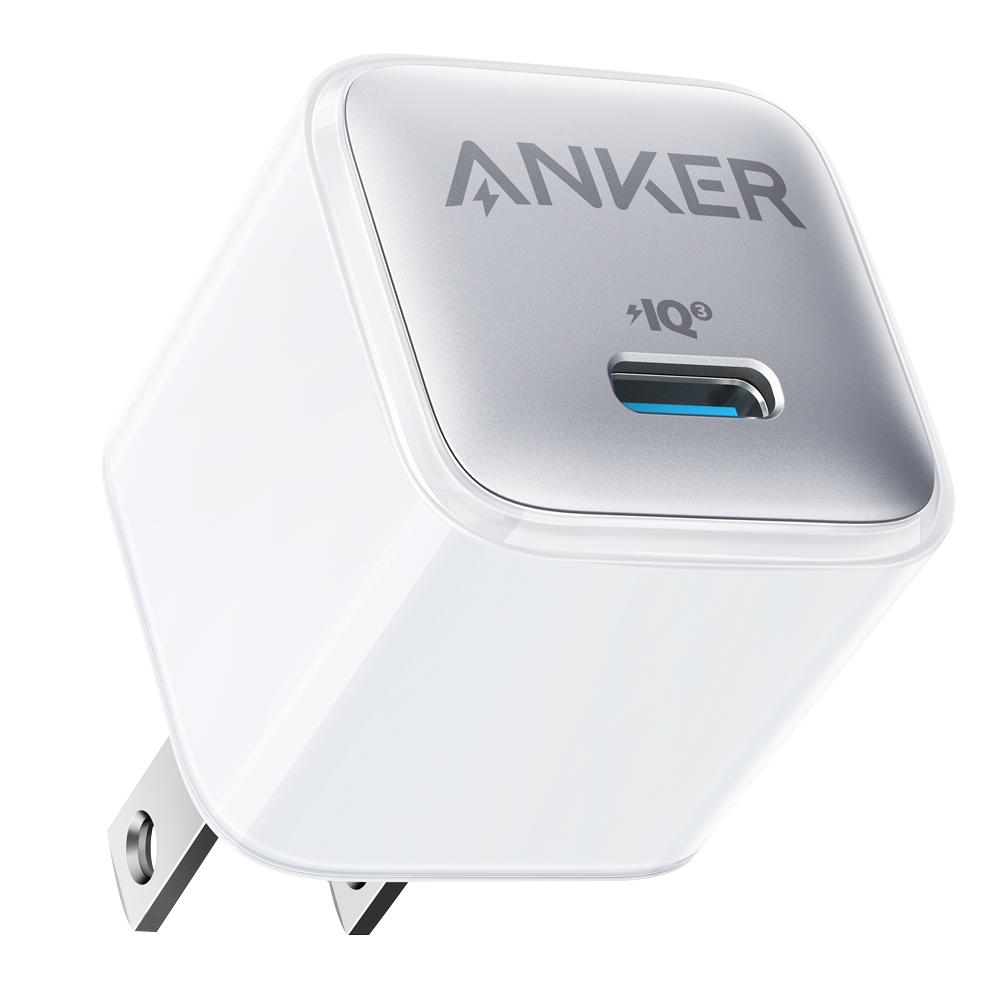
Choosing an apple fast charger is an important part of building a reliable charging setup, but the adapter is only one element of the process. A charger may have a high wattage rating while the phone draws considerably less power. This is not necessarily a sign of a defective product. Modern smartphones regulate incoming electricity according to their hardware capabilities and operating conditions.
Understanding this relationship helps explain why two charging sessions can produce different results even when the same adapter is used. It also helps users identify whether slow charging comes from an unsuitable cable, excessive heat, an incompatible power source, or normal battery-management behaviour. Rather than replacing accessories without understanding the problem, it is more useful to examine how the complete charging system works.
Charging Speed Is a Negotiation Between Devices
A common misunderstanding is that a charger rated at 40W, 65W, or even 100W will continuously deliver that amount of power to every connected smartphone. In reality, the wattage printed on an adapter represents its available output capability under supported conditions. The connected device determines how much power it can accept.
USB Power Delivery, commonly known as USB-PD, allows compatible chargers and devices to communicate. During the initial connection, they establish which voltage and current combinations are supported. The phone then requests an appropriate power level rather than simply receiving the adapter’s maximum advertised output.
This negotiation protects the device from unsuitable power delivery and allows different products to share a charging standard. A powerful laptop adapter, for example, may also charge a smartphone, provided both support compatible charging specifications. The phone will request only the power level it is designed to handle.
The cable also participates in this process. Some USB-C cables support higher power levels than others, and certain charging configurations require cables with appropriate specifications. A low-quality or damaged cable can limit charging performance even when the adapter itself is capable of delivering more power.
For this reason, evaluating a charging setup requires looking beyond the adapter’s wattage. The phone, adapter, cable, and supported charging protocol must work together.
Why the Battery Percentage Changes the Charging Experience
Smartphone batteries do not accept electricity at a constant rate from zero to one hundred percent. Charging systems use controlled stages to balance speed, temperature, and long-term battery health.
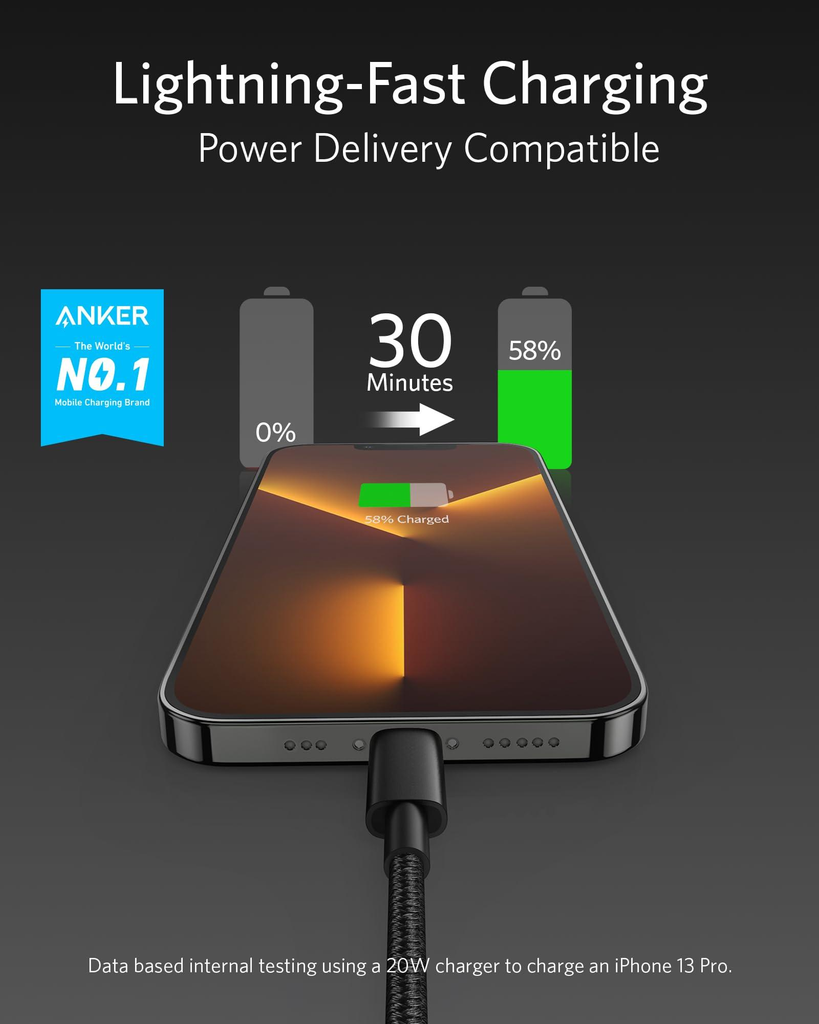
When the battery level is relatively low, a compatible phone may accept a higher charging rate. This stage is often described as the constant-current phase. The charging system allows more current to enter the battery while monitoring temperature and other operating conditions.
As the battery approaches a higher state of charge, the process changes. The phone gradually reduces the charging current to manage battery voltage and prevent unnecessary stress. This behaviour is associated with the constant-voltage phase.
The practical result is easy to observe. A phone might gain battery percentage quickly during the first part of a charging session but take noticeably longer to move from 80% to 100%. This difference is a normal characteristic of lithium-ion battery management, not necessarily evidence that the charger has become less powerful.
It also explains why comparing charging times without considering the starting and ending battery percentages can be misleading. Measuring the time required to move from 10% to 50% is not the same as measuring the time required to move from 80% to 100%.
Heat Can Reduce Charging Performance
Temperature is one of the most important factors affecting smartphone charging speed. Batteries operate most comfortably within a controlled temperature range, and excessive heat can cause the phone to reduce incoming power.
Heat can develop from several sources. A demanding application running in the background, direct sunlight, a warm room, wireless charging, and intensive gaming can all increase the device’s temperature. Charging itself also produces heat, so combining it with other demanding activities may create conditions that encourage thermal protection.
When the phone detects excessive temperature, its charging-management system can lower the power level. In some situations, charging may pause temporarily until the device becomes cooler. This behaviour is designed to protect the battery and internal components.
A practical way to improve charging conditions is to place the phone on a hard, ventilated surface and avoid covering it with bedding or thick materials. Removing a particularly insulating case during charging may also help if the device regularly becomes warm.
Users should avoid deliberately cooling a hot phone with extreme methods such as placing it in a refrigerator. Sudden temperature changes and condensation can introduce additional risks. Allowing the device to return naturally to a comfortable temperature is a safer approach.
Understanding Why a Phone Charges Slowly
When charging performance becomes inconsistent, identifying the actual cause is more useful than immediately purchasing another adapter. A phone may charge slowly because of an unsuitable accessory, an unstable connection, background activity, temperature restrictions, or software settings.
A useful starting point is to examine why is my phone charging slow and compare the symptoms with the conditions in which the device is being charged. For example, a phone that charges normally when switched off but becomes noticeably slower during gaming may be experiencing additional power consumption and heat rather than an adapter failure.
The charging port deserves attention as well. Dust, lint, and other debris can interfere with the connection between the cable and the phone. A loose connection may cause interruptions or prevent the device from maintaining a stable charging session.
Users should inspect the port under good lighting without inserting sharp metal objects. If debris is firmly lodged inside or the connector appears damaged, professional cleaning or repair is preferable to attempting an aggressive fix.
It is also worth testing another compatible cable and adapter. Changing one component at a time makes it easier to identify the source of the problem. If charging improves after replacing the cable, the original cable may have been damaged or unsuitable for the required power level.
The Difference Between Adapter Wattage and Actual Power
A charger advertised as 65W does not necessarily provide 65W to a smartphone. The device may support a lower maximum input, and its charging system may reduce that level depending on battery percentage and temperature.
Consider a simple example. A user connects a smartphone that supports a maximum charging input of 25W to a 65W USB-C adapter. If both devices support a compatible charging protocol, the adapter can supply the required power without forcing the phone to accept the full 65W.
This distinction is important when selecting accessories. Buying the highest-wattage adapter available is not always the most practical decision. Compatibility, build quality, supported protocols, and the number of ports may matter more than the largest number printed on the packaging.
A well-designed multiport adapter can be especially useful for people who regularly charge a phone, tablet, laptop, and wireless accessories. However, the available output may be divided between connected devices. Connecting another product can change the power distribution and reduce the amount available to the phone.
Users should therefore check the adapter’s output specifications for individual ports and combined usage. A port capable of delivering a particular wattage on its own may provide less when several devices are connected simultaneously.
Why Cable Quality Matters More Than Many Users Expect
Charging cables are often treated as interchangeable accessories, but their specifications can influence both charging performance and reliability. Two cables may look almost identical while supporting different current levels, data capabilities, and power-delivery requirements.
A cable that is damaged internally may still charge a phone, but it might produce inconsistent results. Frayed insulation, bent connectors, loose plugs, and visible wear are all reasons to stop using a cable.
Length can also influence the practical experience, although it should not be treated as the only deciding factor. A properly designed longer cable can perform reliably, while a poorly manufactured short cable may cause problems. Construction quality and supported electrical specifications are more important than appearance alone.
When choosing a replacement, users should look for clear power ratings and compatibility information from a reputable manufacturer. A certified or appropriately rated cable is a better choice than an inexpensive accessory with unclear specifications.
Background Applications Can Affect Charging Time
A smartphone does not stop consuming electricity simply because it is connected to a charger. Applications may continue synchronising information, downloading updates, backing up files, refreshing content, or using location services.
When the phone is performing several demanding tasks while charging, some incoming power is being used to operate the device rather than increase the battery percentage. This can make charging appear slower.
Gaming is a particularly noticeable example. Graphics processing, network activity, screen brightness, and other system functions can increase power consumption. If the device also becomes warm, thermal management may further reduce charging speed.
For a quicker charging session, users can close demanding applications, reduce unnecessary background activity, and avoid intensive tasks while the phone is connected. Airplane Mode may also reduce power consumption in situations where mobile connectivity is not needed, although it is not essential for normal charging.
The screen is another factor. Keeping the display active at high brightness throughout the charging session consumes additional energy. Allowing the screen to turn off can make a measurable difference under certain conditions.
Charging Settings and Battery Protection Features
Modern smartphones include software features designed to manage battery health. These settings can influence when and how quickly a device charges.
Optimised charging features may delay charging beyond a particular battery percentage when the phone expects to remain connected for an extended period. This helps reduce the time the battery spends at a very high state of charge.
Some devices also offer charging limits, allowing users to stop routine charging below 100%. The exact options vary by iPhone model and software version. A user who sees charging pause around a particular percentage should check the battery settings before assuming that the adapter has failed.
These features are particularly relevant for people who charge their phones overnight. Instead of immediately completing the entire charging process, the phone may manage the final portion according to usage patterns and configured battery-protection settings.
It is worth remembering that charging behaviour can change after a software update or when the phone learns a new usage routine. Checking the device’s battery settings can help explain unexpected pauses or changes in charging speed.
Wired and Wireless Charging Serve Different Purposes
Wireless charging offers convenience because users can place a compatible phone on a charging pad without connecting a cable. However, it is not always the fastest option.
Wireless charging involves energy transfer between coils. Some energy is lost during the process, and the resulting heat can affect performance. Alignment between the phone and charging pad also matters. If the device is not positioned correctly, charging may be slower or less consistent.
Wired charging generally provides a more direct power connection and is often preferable when speed is the main priority. Wireless charging remains useful for desks, bedside tables, and situations where convenience matters more than the shortest possible charging time.
Users should also consider the specifications of both the phone and wireless charger. A charging pad’s advertised maximum output does not guarantee that every compatible smartphone will receive that amount.
Building a Reliable Charging Setup for Everyday Use
A dependable charging setup does not need to be complicated. It needs to match the devices being used and provide enough flexibility for everyday routines.
For a smartphone-focused setup, a quality USB-C adapter with appropriate output and protocol support is a sensible starting point. A compatible cable from a reputable manufacturer completes the connection. Users who charge multiple devices may prefer a multiport adapter, provided they understand how its power distribution works.
Placement is equally important. A charging area should have enough ventilation and should not expose devices to direct sunlight or excessive heat. Cables should be positioned so that connectors are not repeatedly bent or pulled.
People who travel frequently may benefit from a compact adapter that supports several devices. However, portability should not come at the expense of electrical safety or compatibility. Checking the supported input voltage is also important when using a charger in another country, along with choosing the appropriate plug adapter where necessary.
A good charging setup is ultimately about predictable performance. Reliable accessories, sensible charging habits, and an understanding of device limitations can prevent many common problems.
A Practical Troubleshooting Routine
When an iPhone charges more slowly than expected, a simple sequence of checks can help narrow down the cause.
First, inspect the adapter and cable for visible damage. If possible, test the phone with another compatible cable and adapter. Avoid using accessories with loose connectors or signs of overheating.
Next, check the charging port for visible debris and make sure the cable is firmly connected. If the connection repeatedly drops, the port may require professional attention.
Then consider the phone’s temperature. If it feels unusually warm, disconnect it if necessary and allow it to cool naturally. Move it away from direct sunlight and avoid running demanding applications during the next charging session.
Finally, review battery settings and charging conditions. Check whether an optimised charging feature or charging limit is active. Compare charging performance at a similar starting battery percentage, using the same accessories and similar environmental conditions.
If the phone continues to charge unusually slowly after these checks, the issue may involve the battery, charging port, adapter circuitry, or another internal component. An authorised service provider can perform a more reliable diagnosis than repeated accessory replacements.
Conclusion
Fast charging is the result of several systems working together, not simply a matter of purchasing an adapter with a high wattage rating. The smartphone controls how much power it accepts, the cable must support the required connection, and temperature and battery level influence the charging rate throughout the session.
Understanding these factors makes it easier to choose compatible accessories and recognise normal charging behaviour. It also prevents users from confusing battery-protection features with hardware problems. A reliable adapter, a suitable cable, good ventilation, and sensible charging habits can create a more consistent everyday experience.
The most effective approach is to treat charging as a complete system. When every component is compatible and the phone is operating under suitable conditions, users are more likely to achieve dependable performance without unnecessary replacements.
Frequently Asked Questions
Does a higher-wattage charger make every iPhone charge faster?
No. An iPhone accepts power according to its supported charging specifications and current operating conditions. A higher-wattage adapter can be useful if it is compatible, but it does not force the phone to draw more power than it supports.
Can I use a laptop USB-C charger with my iPhone?
A compatible USB-C laptop charger can generally charge an iPhone that supports USB-C charging. The phone negotiates an appropriate power level with the adapter. Always use a reputable charger and a suitable cable.
Why does my iPhone charge quickly at first and slowly near 100%?
The charging system reduces power as the battery approaches a high state of charge. This controlled process helps manage battery voltage, temperature, and long-term battery health.
Does using my phone while charging slow down the process?
It can. Applications, gaming, video streaming, and high screen brightness consume electricity while the phone is charging. Demanding activity can also increase temperature, potentially causing the device to reduce charging power.
Should I replace my charger if my iPhone suddenly starts charging slowly?
Not immediately. First inspect the cable and port, check the phone’s temperature, review battery settings, and test another compatible adapter if available. If the problem continues, a professional inspection can help identify whether the battery or charging hardware needs attention.