
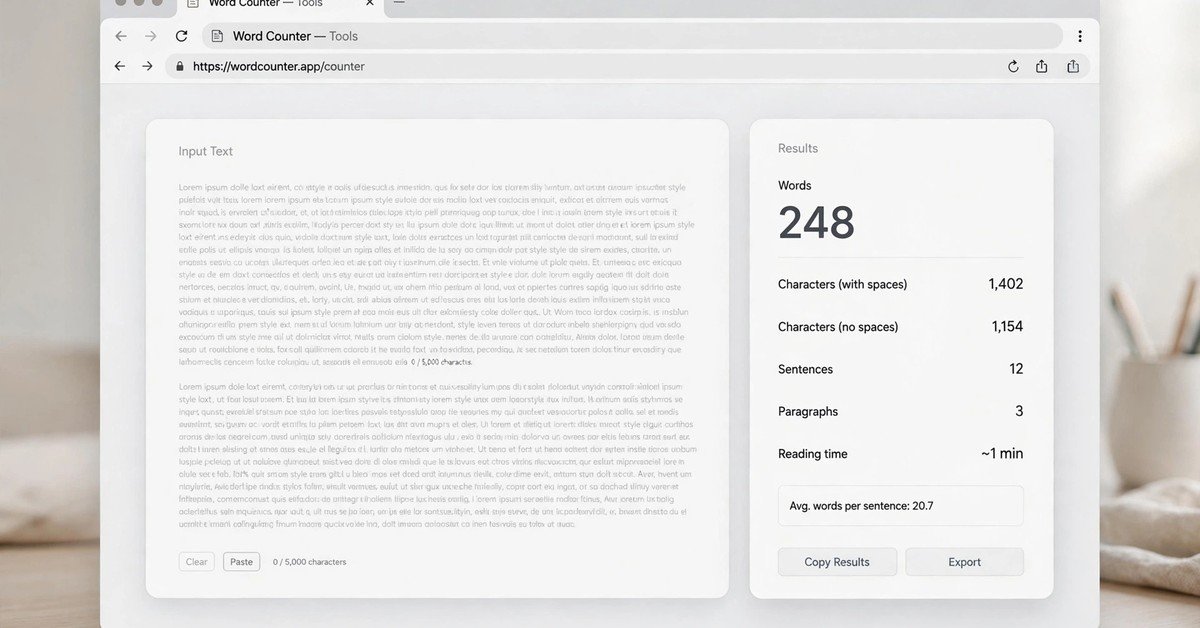
Writers today need fast answers to simple questions: How long is this text? Which words repeat too much? What is this draft really about? The uploadwords.com free tool was built for exactly these questions. It is a browser-based text analyzer that counts words and characters, finds the most-used keywords, and builds a visual word cloud from anything you paste into it. There is no signup, no subscription, and no installation required, which makes it useful for quick checks between drafting and publishing.
Whether you are a student verifying an essay length, a blogger reviewing an article before it goes live, or a marketer checking keyword usage on a landing page, a lightweight tool like this saves time that would otherwise go into manual counting and repeated re-reading. This guide explains what the uploadwords.com free tool does, how each feature works, who benefits most, and how to use it as part of a stronger content workflow.
Quick Facts
| Detail | Information |
|---|---|
| Tool name | Uploadwords.com free tool |
| Main purpose | Text analysis: word counts, keyword frequency, and word clouds |
| Cost | Free to use |
| Signup required | No account needed |
| Input method | Paste text directly; file-upload capability also described |
| Core outputs | Word count, character count, top keywords, word-cloud preview |
| Export options | Copy results; downloadable word-cloud image where available |
| Typical users | Students, writers, bloggers, marketers, SEO professionals |
| Availability | Works online for users in the United States and internationally |
| Privacy | Text is processed to generate results and is not published publicly; avoid entering sensitive information |
What Is the Uploadwords.com Free Tool?
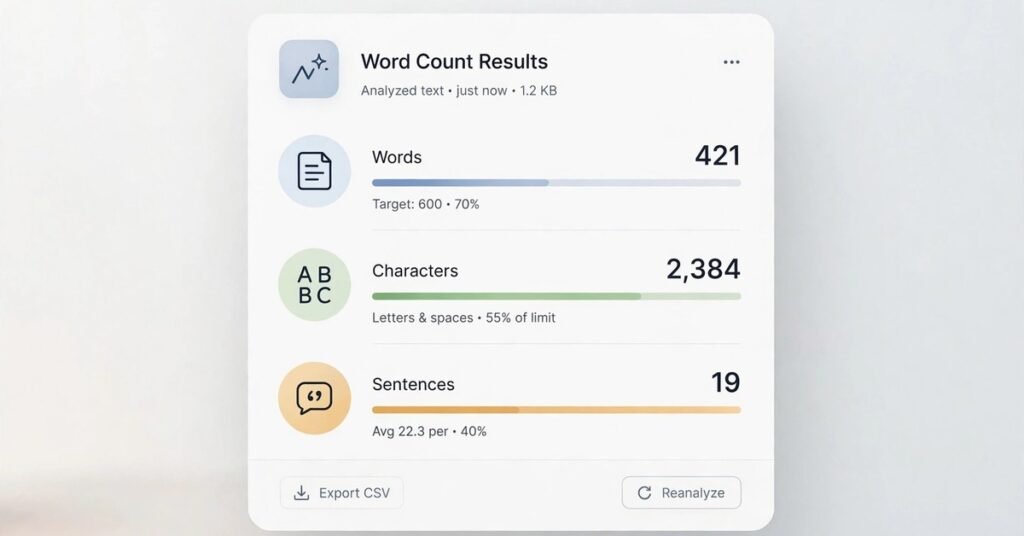
The uploadwords.com free tool is an online text utility designed to give fast, practical insights about written content. Instead of functioning as a word processor where you create documents, it analyzes text you already have. You paste a draft into the tool and it returns measurements such as the total word count, the total character count, the most frequently used words, and how often each keyword appears, along with a word-cloud visualization of the results.
The platform presents itself as a simple and privacy-focused alternative to heavier content suites. There are no dashboards to configure and no accounts to create. Its intended audience includes students, writers, bloggers, and marketers who need quick analysis and content clarity rather than an all-in-one marketing platform.
For a content creator, this kind of tool fits naturally into everyday tasks: checking a blog draft, reviewing product descriptions, preparing email copy, analyzing social media captions, or cleaning up a service page before publishing. It answers basic questions quickly so you can spend more energy on the actual writing and editing.
How the Uploadwords.com Free Tool Works
Using the tool is a short, repeatable process: add your text, run the analysis, review the output, and refine your draft.
Step 1: Paste Your Content
Copy text from any source, such as a document, content management system, email draft, landing page, or AI-generated draft, and paste it into the tool’s input area. For example, a marketer could paste a service-page draft before publishing to check its length and see whether it repeats a word that makes the copy sound unnatural.
Step 2: Review Word and Character Counts
The tool immediately shows how many words the text contains. The character count is equally useful for anything with space limits, including meta descriptions, social media posts, advertising copy, product descriptions, email subject lines, form responses, and school assignments. A word counter does not judge quality on its own, but it is a practical measurement whenever a task has a specific length requirement.
Step 3: Check Top Keywords and Frequency
The tool displays the words that appear most often and how many times each one is used. This reveals the dominant topics in a piece of content. For search-focused writing, frequency data can highlight terms that appear too often, important terms that are missing, repetitive filler words, weak topical focus, brand-name overuse, and possible keyword stuffing. Treat frequency data as an editing signal rather than a reason to force a keyword into every paragraph, since modern search engines reward useful, people-first content over pages written mainly to manipulate rankings.
Step 4: Use the Word Cloud
A word cloud is a visual representation of word frequency, where the most repeated words appear larger. This gives you an at-a-glance picture of what your text emphasizes. It can be handy for presentations, classroom tasks, reports, content reviews, and brainstorming. As a quick test, write an article about a specific topic and see whether the cloud reflects the concepts it should. If unrelated or generic words dominate, the draft probably needs revision.
Step 5: Edit and Re-Check
The strongest use case for the tool is iterative editing. Paste the first draft, review the length and keyword frequency, remove repetition and unclear phrases, add missing context where it genuinely helps readers, run the analysis again, and publish only after confirming accuracy, readability, and reader value.
Key Features of the Uploadwords.com Free Tool
Word Count and Character Count
The tool provides instant measurements of text length. This is valuable for any task with a defined word or character limit, from academic assignments to search snippets and advertising copy. The counts update quickly, which keeps the editing loop tight.
Top Keyword Analysis
The top-keywords feature identifies frequently repeated terms so you can see whether an article stays focused on its intended subject. If your draft is supposed to cover a specific service but the most common words are vague fillers, that is a clear sign the content is drifting.
Word-Cloud Generation
The word cloud offers a fast visual overview of a text’s main terms. It is useful for editorial reviews, school projects, client reports, content presentations, and team brainstorming sessions. Where available, the cloud image can be downloaded for use in slides and documents.
No Account Required
You can use the tool without creating an account. This removes friction for one-time checks and quick content reviews, and it means there is nothing to manage, remember, or cancel.
Free Access
The site states that its text-analysis functionality is free to use, with no subscription and no hidden charge for the core features. This puts professional-grade counting and frequency checks within reach of students and independent writers who cannot justify paid software.
Privacy-Focused Positioning
The tool states that pasted text is processed to generate analysis results and is not published publicly. Its policy also notes that users should avoid submitting highly sensitive content such as passwords, banking information, or private identification details, which is sensible advice for any online text analyzer.
Browser-Based Convenience
Because the tool runs online, it can be reached from desktop and mobile browsers without installing anything. That is convenient for writers and marketers who need a quick check while working from different devices or locations.
Who Should Use the Uploadwords.com Free Tool?
Students
Students can check word counts and review written assignments quickly. Before submitting an essay, it helps to confirm the draft meets the assigned length and to spot words that have been overused. Students should still follow their school’s academic-integrity policies and cite sources properly, since a counting tool does not replace research, proofreading, or original thinking.
Bloggers and Website Owners
Bloggers can review article length, assess topical consistency, and find repeated words before publishing a post. A travel blogger, for instance, could paste a destination guide and check whether the most frequent terms match the locations, attractions, and planning questions the page is meant to cover.
SEO Specialists and Content Marketers
SEO professionals can use the keyword-frequency view as a lightweight content-quality check during on-page optimization, editorial quality assurance, competitor-content analysis, and content brief reviews. It should not replace proper keyword research, though. Dedicated SEO platforms, search performance data, audience research, and search-result analysis are still needed to understand demand, intent, competition, and topic coverage.
Copywriters and Editors
Copywriters can review landing pages, advertisements, sales emails, scripts, and product descriptions for repetition. Editors can use frequency data to notice repetitive language, especially in long-form content drafted by multiple contributors, where different sections often echo the same phrases.
Social-Media Managers
Character counts are useful when adapting one message across multiple platforms with different length limits. Word clouds can summarize campaigns, event recaps, community feedback themes, or audience research notes in a format that is easy to share with a team.
How to Use the Tool for SEO
The tool can support search-focused editing, but it works best as one part of a broader content workflow rather than a standalone SEO solution.
Check Topical Clarity
Paste your draft and look at the top words. Ask whether they reflect the topic a searcher would expect. If your article targets a service such as emergency plumbing, terms related to plumbing, repairs, leaks, water, and service should appear naturally. If the top words are vague or unrelated, the content may lack focus.
Find Keyword Repetition
If the same target phrase appears unnaturally throughout the article, revise it. Replace repetitive phrases with useful explanations, relevant entities, examples, and supporting terminology. Use natural variations of your topic name where they make sense, and do not force them into headings or sentences.
Improve Content Coverage
A keyword tool may reveal that an article uses its main term but misses important related concepts. For a piece about text analysis, supporting concepts might include character count, keyword frequency, word clouds, content editing, SEO writing, readability, and privacy. This does not mean every related term must appear. Add information only when it answers a real reader question.
Review AI-Generated Drafts
AI-generated text can contain repetition, generic phrases, and weak topical specificity. A keyword-frequency check can highlight repeated language, but a human editor should still verify facts, remove unsupported claims, add real examples, and make sure the content is genuinely helpful.
Create Clearer Reports
For agencies and freelance marketers, keyword data and word-cloud images can add a simple visual layer to content audits or client presentations. Label them clearly as frequency-based observations rather than proof of search performance.
Privacy Considerations
The tool describes itself as privacy-focused and says text is used to generate analysis results. Its policy states that no account is required and that personal information is not sold. At the same time, the policy notes that limited technical and analytics information may be collected, such as browser and device details, IP-related information for security, approximate region, pages visited, and performance metrics.
Even with privacy-friendly positioning, never paste sensitive material into any online text analyzer unless you have verified that its privacy, security, and legal protections meet your needs. Avoid submitting passwords, login credentials, credit-card or banking details, government ID numbers, medical records, private client documents, confidential legal information, personal customer data, and unpublished proprietary business information. For highly sensitive content, use an approved offline editor or a company-approved system with appropriate security controls.
Pricing of the Uploadwords.com Free Tool
Based on the website’s published information, the tool is free to use. The site states that no signup or subscription is required for its core text-analysis features, that there are no hidden charges, and that no paid plan is publicly listed. Pricing, features, and policies can change over time, so it is wise to check the official pages before relying on the platform for a business workflow or a large-scale project.
Strengths and Limitations
The main strengths are speed, simplicity, and cost. You get instant word and character counts, keyword frequency, and a word cloud without registering or paying anything. The tool is mobile-friendly, works in any modern browser, and suits quick one-off checks as well as repeated editing loops.
The limitations are equally clear. It is a measurement tool, not an editor: it will not rewrite sentences, fix grammar, or suggest better phrasing. It cannot perform real keyword research, measure search demand, or analyze competitors’ rankings. Frequency data can also mislead if taken literally, because a high count for a word does not automatically mean the article is well optimized. Used as a signal for human editing rather than a verdict, it stays honest about what it is.
Alternatives to Consider
The right alternative depends on what you need. Built-in word processor counters are enough if you only need a live word and character count while writing. Grammar and style editors add spelling, readability, tone, and clarity suggestions that go beyond keyword frequency. Full SEO content platforms offer search-intent research, competitor analysis, content briefs, and scoring for teams doing serious search optimization. Document collaboration tools fit better when multiple people must review and approve the same draft.
Frequently Asked Questions
Is the uploadwords.com free tool really free?
Yes. The site states that the core text-analysis features are completely free to use, with no signup and no subscription required.
Do I need to create an account?
No. You can paste text and run the analysis without registering, which makes it practical for quick, one-time checks.
What can I analyze with it?
Any text you can paste, including essays, blog drafts, product descriptions, emails, social media captions, and marketing copy. File-upload functionality is also described in the tool’s materials.
Does the tool store my text?
The site says pasted text is processed to generate results and is not published publicly or shared. As with any online tool, avoid entering highly sensitive information.
Can I use it on a phone?
Yes. The tool is browser-based and mobile-friendly, so it works on smartphones and tablets as well as desktop computers.
Is it enough for professional SEO?
It is a helpful editing aid for checking topical clarity and keyword repetition, but it does not replace proper keyword research, search performance data, and competitor analysis for professional SEO work.