Most businesses don’t set out to build complicated processes. They grow that way. An approval step gets added after one costly mistake, a spreadsheet appears to track another job, and before long nobody can explain how a simple request actually gets finished. Workflow management system software is designed to untangle exactly this. It maps how work moves between people and systems, then keeps it moving. This post covers how it simplifies things, which processes benefit most and what to check before you buy.
Why Processes Get So Tangled
Complexity usually comes from handovers. A purchase request might pass through a team leader, a finance officer, a procurement contact and a director, each using a different email thread or file. If one person is away, the request sits there. Nobody notices until the supplier calls to ask where their order went.
Add a few exceptions, such as urgent jobs, large amounts or new suppliers, and you end up with rules that live in people’s heads. That works until someone resigns or goes on leave.
How the Software Makes Things Simpler
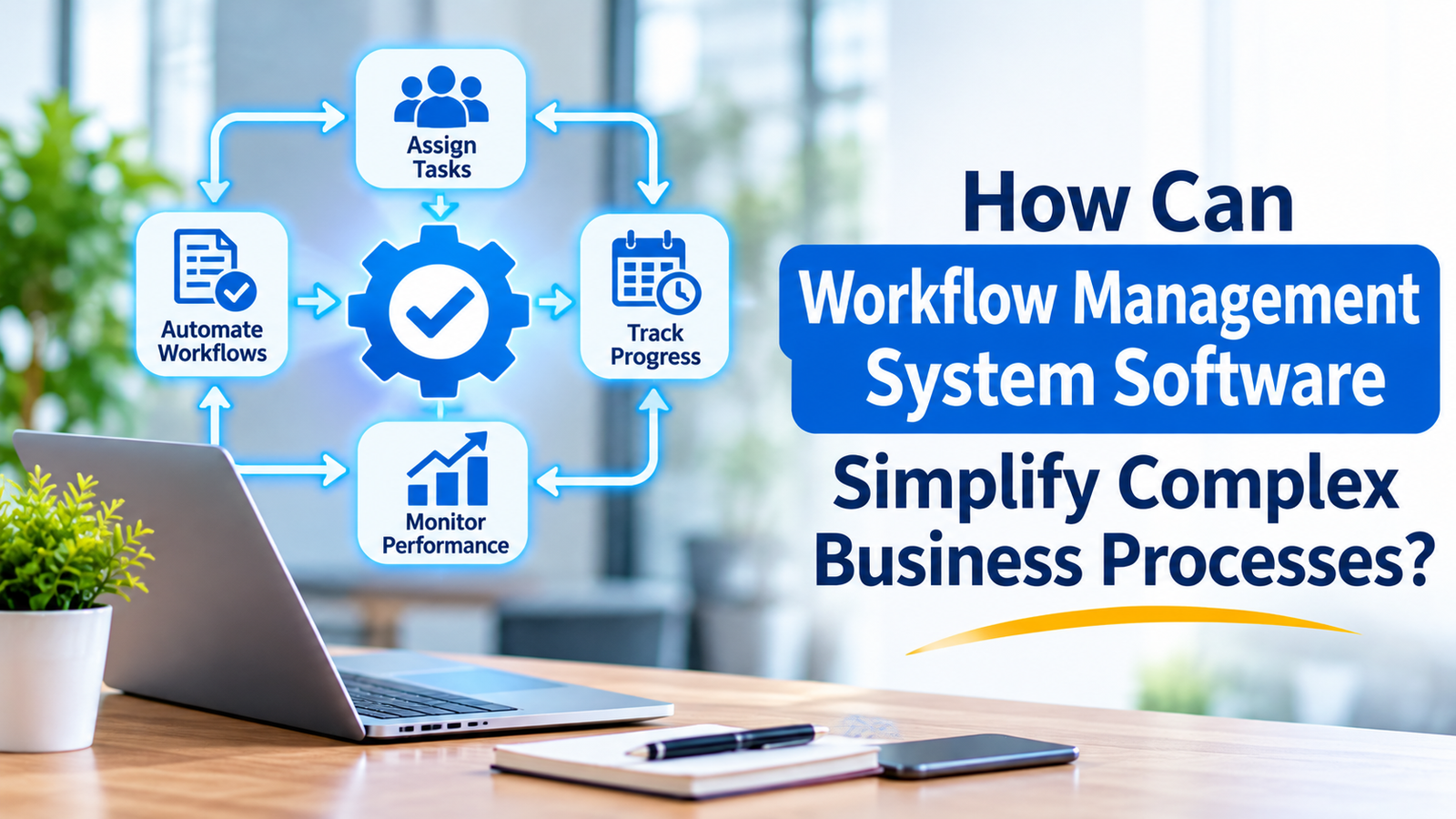
Everything in one place. Instead of searching inboxes and shared drives, staff see each task, who holds it and what’s waiting. Managers can check progress without sending a round of “any update?” messages.
Automatic handovers. When one step is finished, the next person is notified straight away. Nobody has to remember to forward a form or chase a signature.
Clear ownership. Every task has a named person and a due date. If it stalls, the system can nudge the owner or pass it to someone else, so work doesn’t vanish into a gap.
Rules that apply every time. A purchase over a certain amount can automatically go to a senior approver, while smaller ones go through faster. The logic is written down once and followed consistently, rather than depending on who happens to be handling the job.
A record of what happened. The software logs who did what and when. That’s useful for audits, and it also makes it easy to see where jobs slow down. Australian businesses working under the Privacy Act 1988 or industry-specific reporting rules will find this kind of trail valuable.
Processes That Benefit Most
The best candidates repeat often, follow clear rules and involve more than one person. Common examples include:
- Staff onboarding and offboarding
- Leave and expense approvals
- Invoice processing and payments
- Contract reviews and sign-offs
- Customer complaints and service requests
A construction firm, for example, might use it to route safety documents and subcontractor approvals so nothing is missed before work starts on site. A medical clinic could use it for referrals and patient intake forms.
Be wary of processes that change every week or depend heavily on personal judgement. Automating a confusing process just speeds up the confusion. Sketch the steps on a whiteboard first, ideally with the people who do the work daily. They usually know exactly where the hold-ups are.
What to Check Before You Buy
When you compare workflow management system software, start with how well it connects to the tools you already use, such as accounting packages, email, your CRM and cloud storage. If linking them requires heavy custom coding, costs can blow out quickly.
Next, look at how easily a workflow can be changed. Your business will evolve, and you don’t want to pay a developer each time an approval step moves. A visual builder that non-technical staff can use is a real advantage.
Also ask where your data is stored, who can access it and how permissions are managed. Check the reporting features, too. You want dashboards that show bottlenecks in plain terms, not a wall of figures. Finally, find out what support is offered and whether someone is available during Australian business hours.
Rolling It Out Without the Headaches
Start with one process, not ten. Choose something painful but contained, like invoice approvals, and get it working properly. Record how long it took before the change so you have an honest comparison afterwards.
Bring staff in early. Ask what frustrates them about the current process and what they’d fix first. People support a tool that removes a chore, but they resist one that feels imposed on them. Provide a short training session and a named contact for questions.
Then review the results after a month or two. Look at turnaround times, error rates and how many tasks are getting stuck. Use those numbers to decide what to tackle next.
Mistakes That Cost Time and Money
Trying to automate everything at once is the classic one. Large projects stall under their own weight. Another is copying a broken process straight into the system without questioning why it exists. And some businesses launch the tool, then never revisit it, so workflows slowly drift out of step with how the team actually works. A quick quarterly check keeps things sharp.
Key Takeaway
Workflow software simplifies complicated processes by putting every task, owner and deadline in one place and handling the handovers automatically. Begin with a single repetitive process, measure the improvement and expand once the results are clear.
Conclusion
Complex processes become manageable when the steps are visible, the rules are consistent and nobody has to chase work by hand. The businesses that benefit most start small, involve their people and keep an eye on the numbers. Chosen and introduced sensibly, workflow management system software can remove a surprising amount of daily friction. If you’d like help working out where it fits in your organisation, The Artificial Organisation can guide you from planning through to a working setup. Visit their website to learn more.
FAQs
1. What does workflow software do?
It organises tasks, approvals and information so work moves between people and systems automatically, following rules you set.
2. Is it suitable for small businesses?
Yes. Even a handful of automated processes can free up meaningful staff time, and many tools offer flexible monthly pricing.
3. Which processes should we start with?
Pick repetitive, rule-based tasks with several handovers, such as onboarding, invoice approvals or leave requests.
4. Do we need technical skills to use it?
Not always. Many platforms have visual builders, though complex integrations may need specialist help.
5. How soon will we see results?
A well-defined process can often be running within a few weeks, with improvements visible in the first month or two.